
1Upload a document
A manual, a procedure, a paper, a policy.
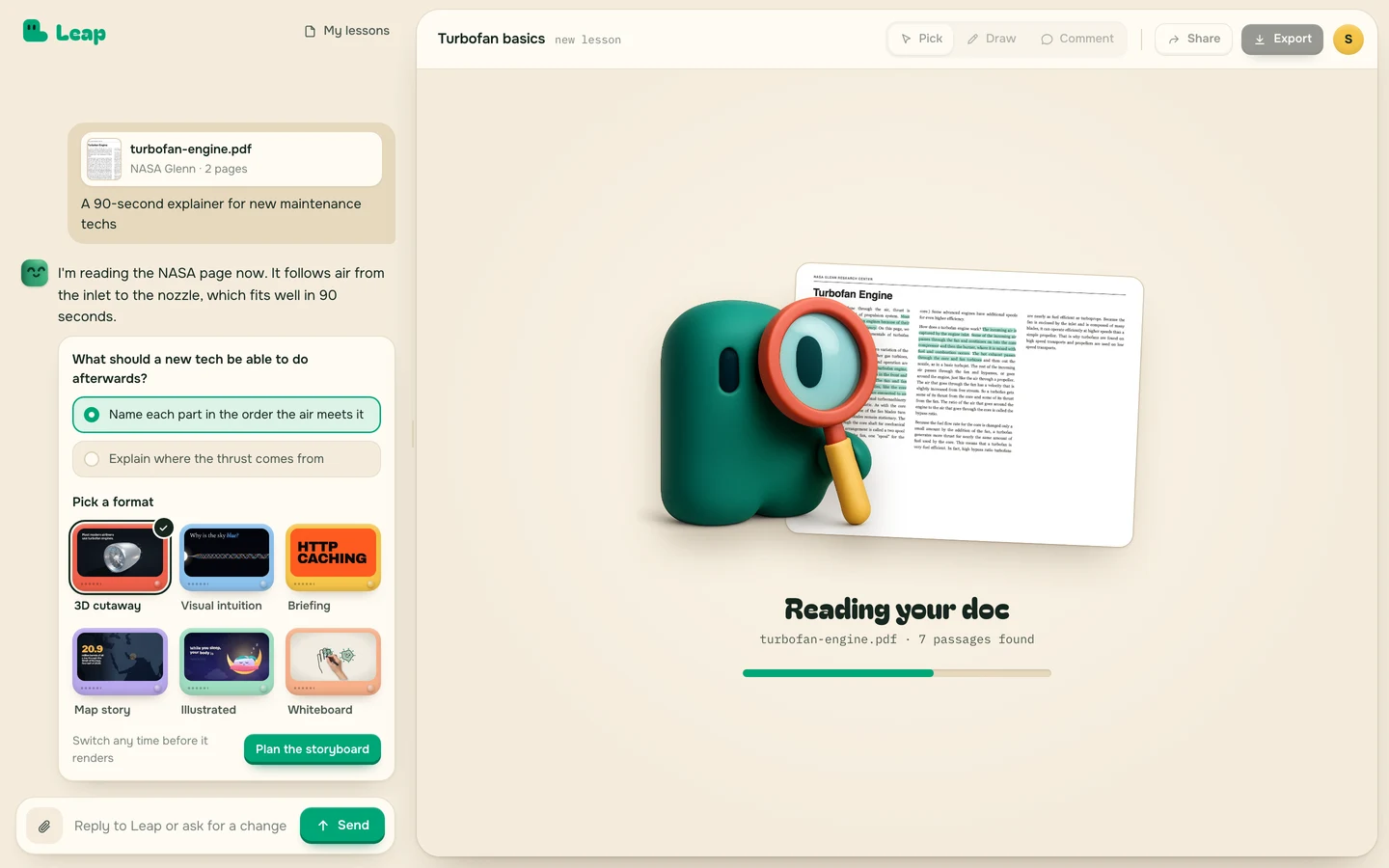

Leap turns a document into a visual learning experience. Every line cites the page it came from.
Request accessMany ways to tell a document. Each one started as a real paper or public page.
A manual, a procedure, a paper, a policy.

Each scene sits next to its source line. Nothing renders until you say so.
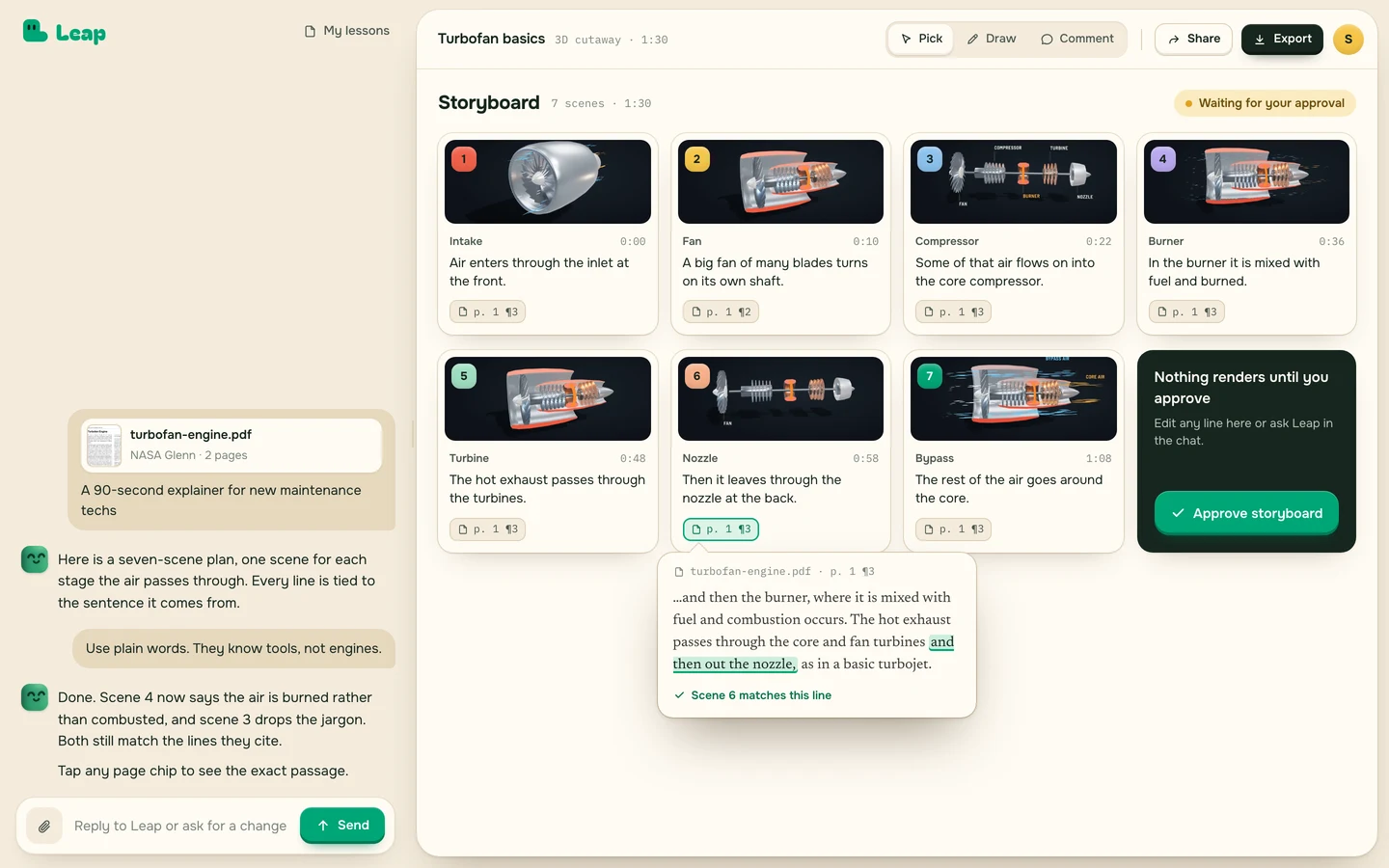

Narrated, captioned, cited.
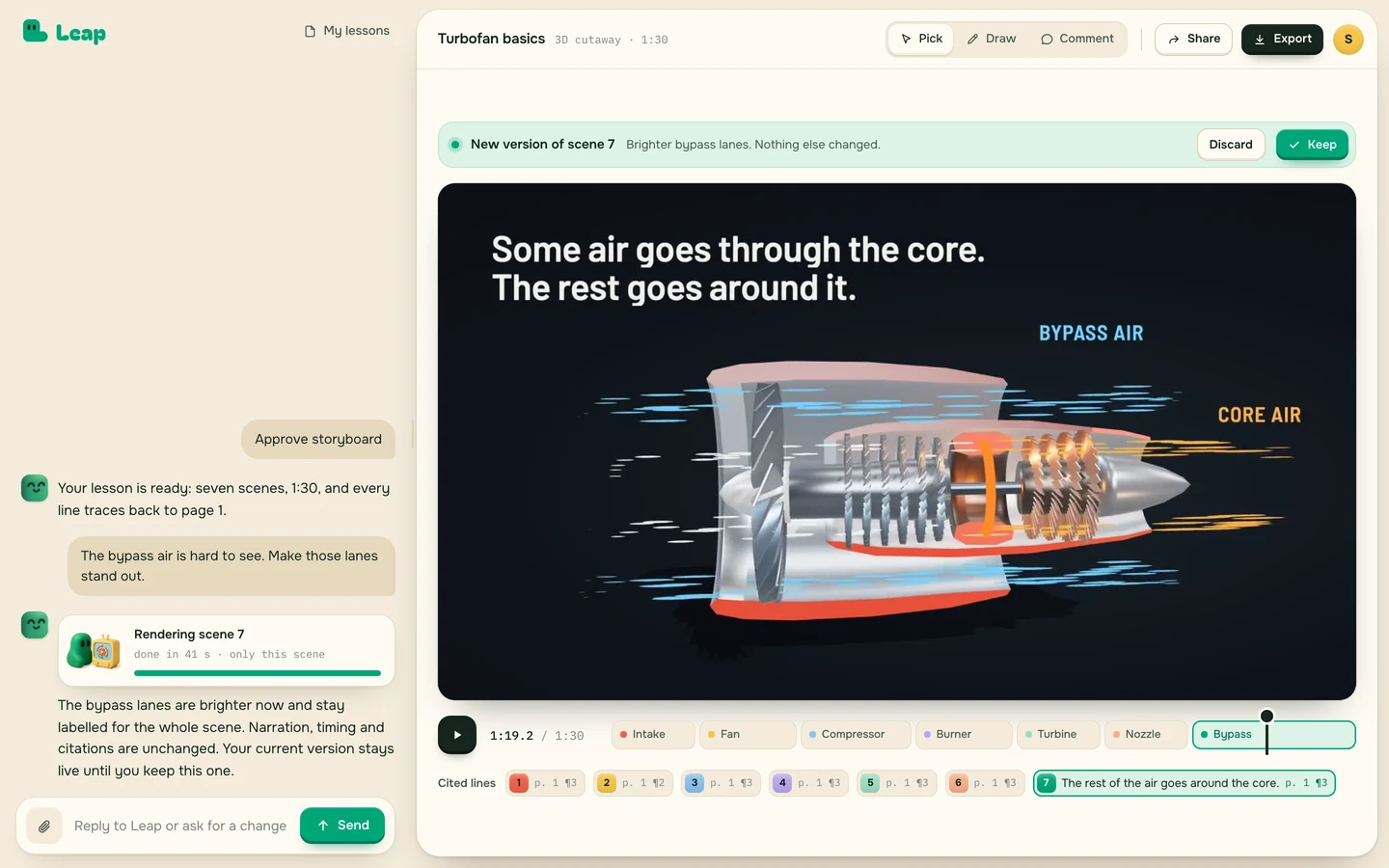

Draw on any frame and say what is wrong. Leap changes just that and keeps everything you approved.
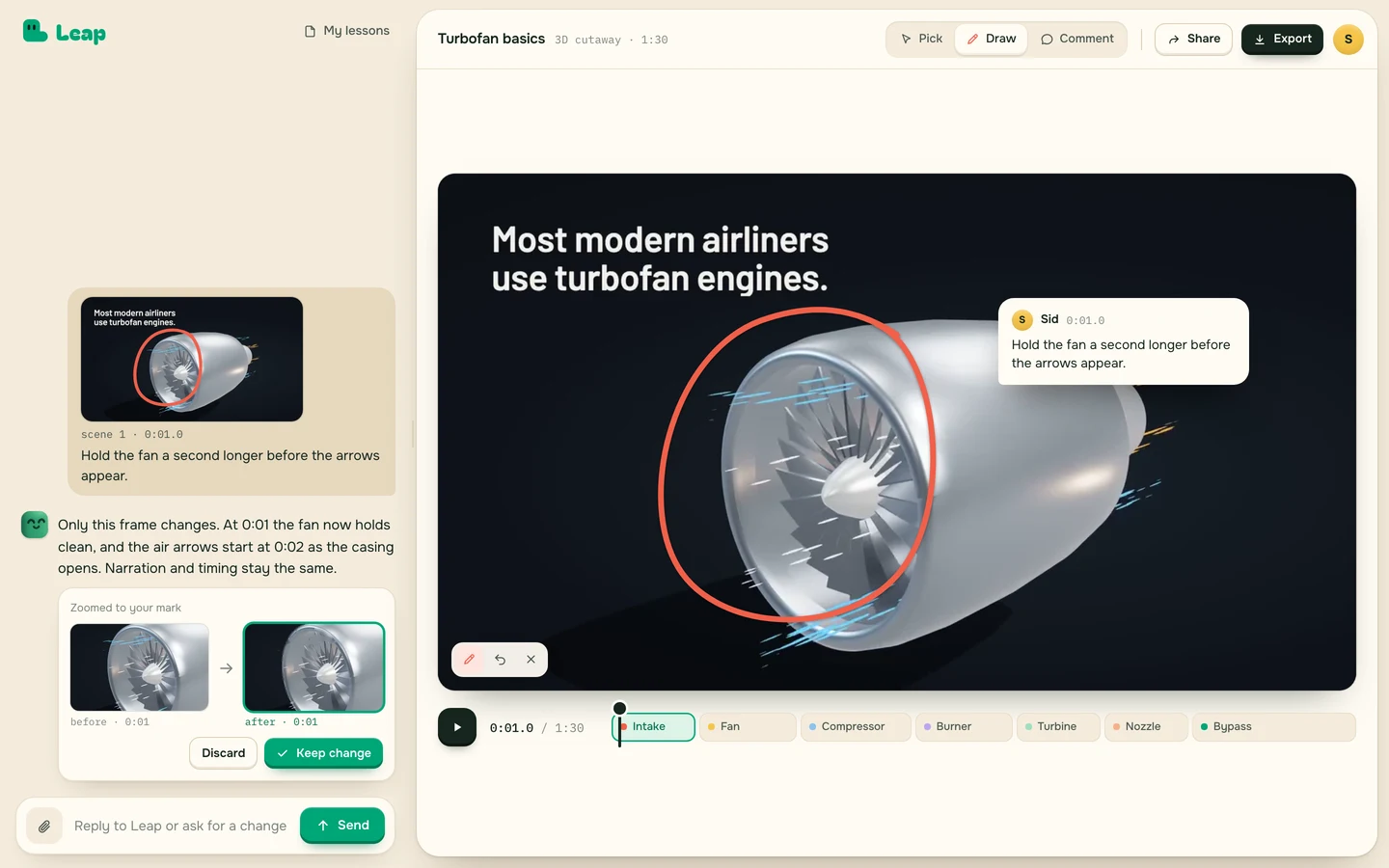
Watch the lesson. The line it came from lights up in the source.
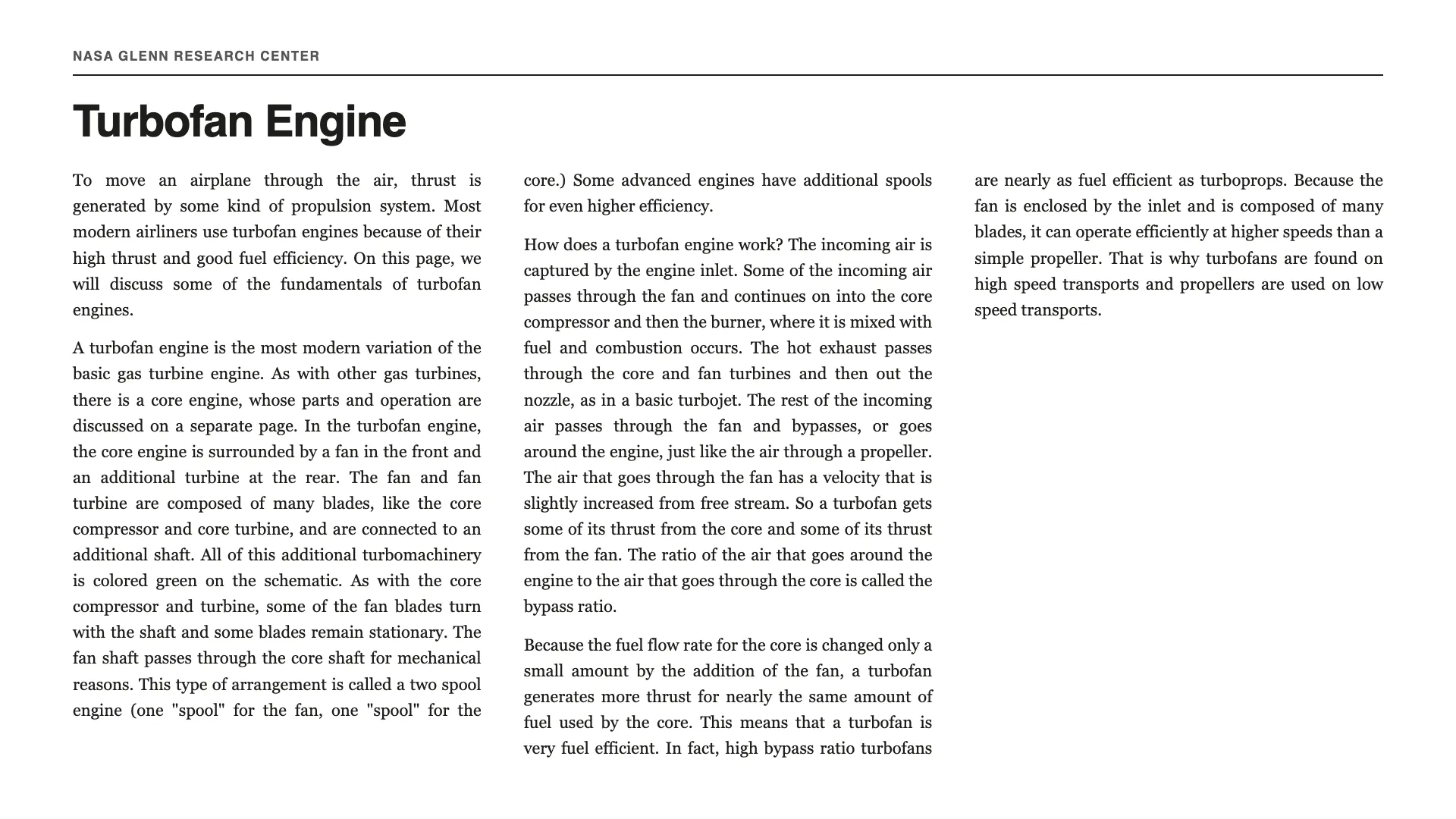

Circle what is wrong. Only that frame changes.
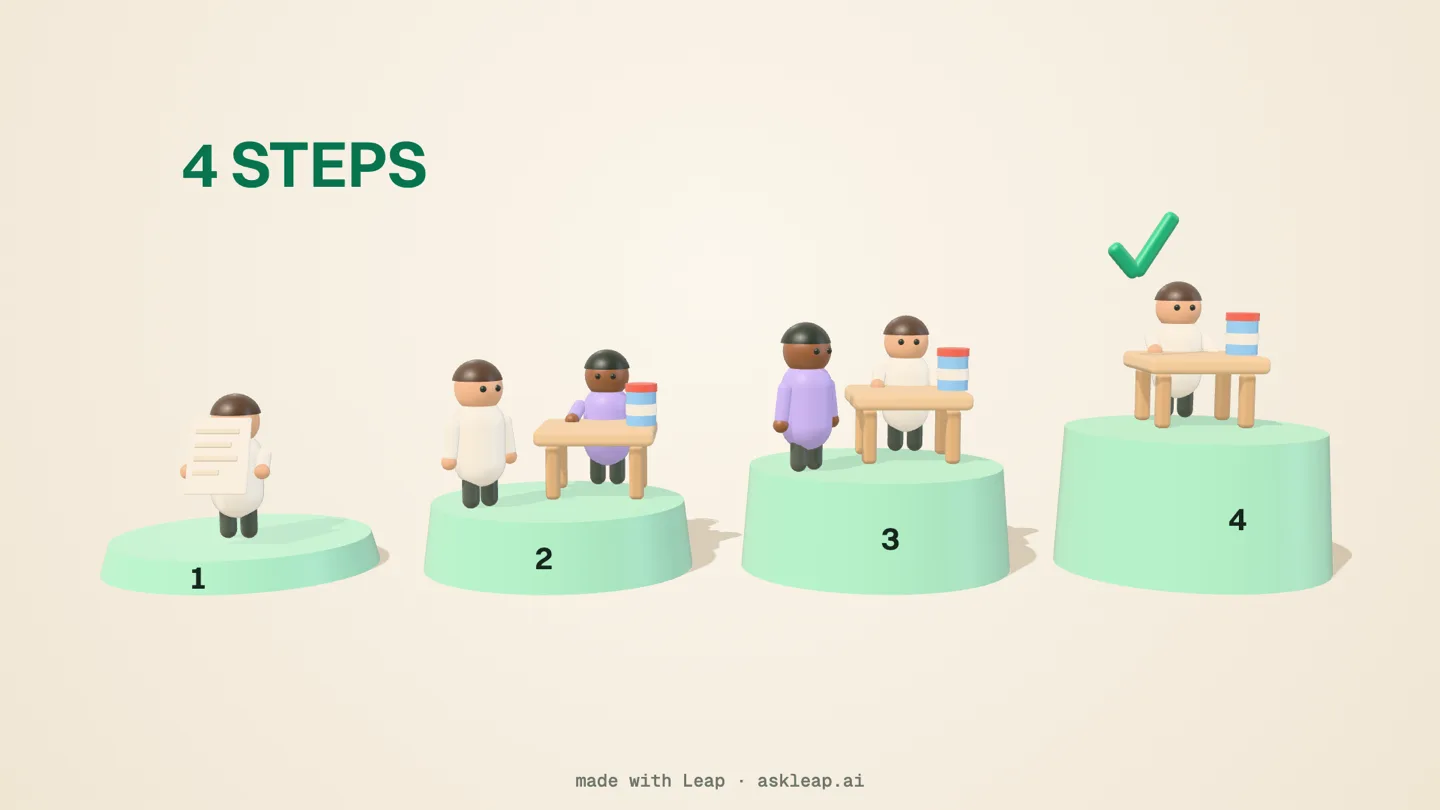
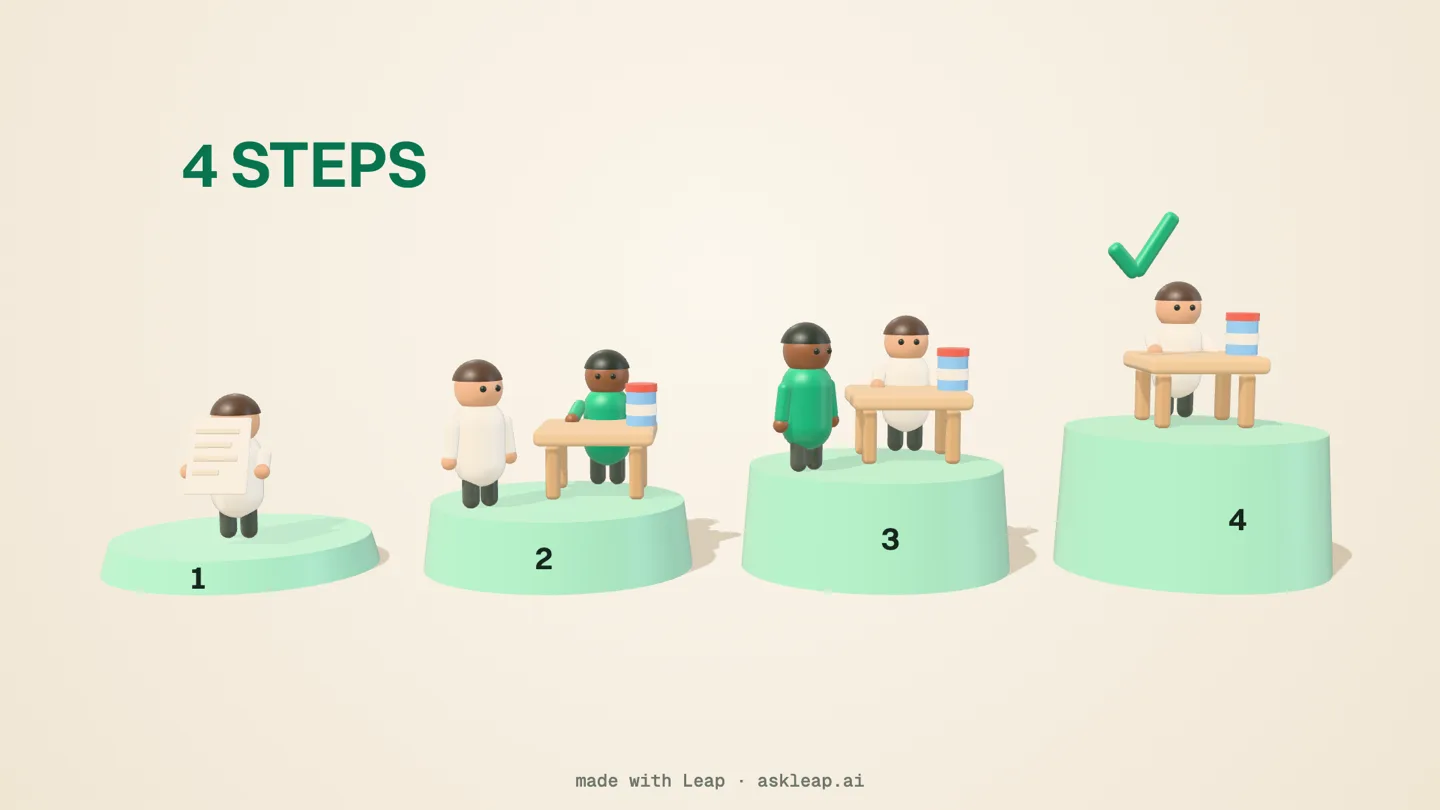
The old way of simple discussions or PowerPoint presentations needs an upgrade.
We cut the time spent creating the initial draft by approximately 80%, while keeping the final instructional and visual decisions with our team.
The client review was easier because we were showing a concrete draft instead of discussing an abstract outline.
PDF, Word, Markdown or plain text. Manuals, procedures, policies, papers, course chapters. If a person could teach from it, Leap can too.
Every claim is tied to the line of your document it came from. If an edit says something your document doesn't, Leap refuses it and keeps the version you approved.
Yes. Circle a frame and say what is wrong. Leap changes that frame and leaves the rest alone.
No. We use them to make and check your lesson. Nothing else. We delete them when you ask.
For now, yes. Interactive lessons, quizzes and in-course tutors come next.
Starter is free during the beta, with up to 2½ minutes of finished video a month. Studio is $29 a month for up to 9 minutes. See pricing.

Send one document. We make your first lesson with you.